Best AI Meeting Note Taker App: A Security-First Buyer's Guide After the tl;dv Leak
Why the Search for the Best AI Meeting Note Taker App Just Got More Urgent
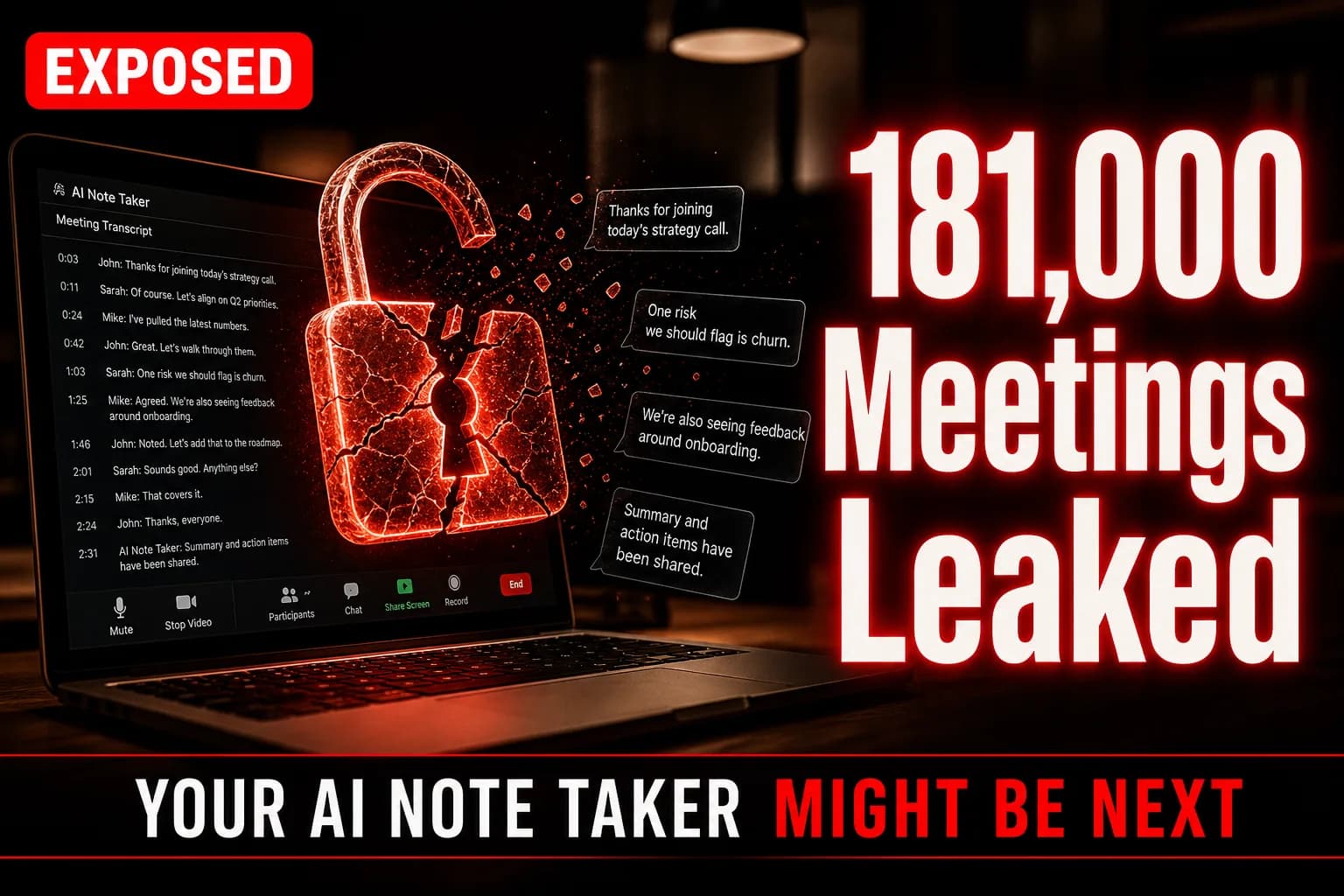
If you're researching the best ai meeting note taker app right now, you probably saw the same story everyone on Hacker News did this week: over 181,000 AI-generated meeting recordings and transcripts from tl;dv sat exposed and accessible without proper authentication. The report, published at bobdahacker.com and racking up 205+ upvotes on Hacker News, detailed how internal meeting data — the kind full of client names, financial figures, product roadmaps, and salary discussions — was reachable by anyone who knew where to look. It's the exact nightmare scenario that makes IT departments ban these tools outright.
But here's the uncomfortable truth: this isn't really a tl;dv problem. It's a category problem. AI meeting note takers work by recording, transcribing, and storing some of the most sensitive conversations your organization has — and most buyers pick one based on transcription accuracy or calendar integrations, never asking who can actually access that data once it's uploaded. This guide exists so you don't make that mistake.
What Actually Happened With tl;dv
According to the disclosure, the exposure stemmed from insufficiently protected storage and access controls around recorded meeting content — not a sophisticated nation-state hack, but a basic architectural oversight. Meeting recordings, AI-generated summaries, and transcripts were reportedly enumerable, meaning a bad actor could potentially pull data across a huge swath of customers rather than a single account. tl;dv, backed by notable investors and used by teams at companies of varying sizes, is one of dozens of AI note-taking tools that plug into Zoom, Google Meet, and Microsoft Teams.
The scale — 181,000+ recordings — is what pushed this from "niche security blog post" to front-page Hacker News discussion. For context, that's not a handful of test accounts; that's potentially years of institutional memory across thousands of organizations sitting in a bucket without a proper lock on it.
The core lesson isn't "avoid tl;dv specifically." It's that AI meeting assistants are, by design, a centralized honeypot of your company's most sensitive spoken conversations.
What "Safe" Actually Means for an AI Meeting Note Taker
Before comparing tools, you need a framework, because "secure" is a marketing word every vendor uses. Here's what to actually check.
Data encryption standards. Look for AES-256 encryption at rest and TLS 1.2+ in transit — table stakes, but not universal. Ask vendors directly whether recordings are encrypted the moment they hit storage or only after processing.
Access control architecture. Role-based access control (RBAC) and single sign-on (SSO) support matter more than people realize. If any employee at a vendor can query raw recordings without an audit trail, that's a red flag regardless of encryption claims.
Data retention and deletion policies. The best ai meeting note taker app for privacy-conscious teams lets you set automatic deletion windows — 30, 60, 90 days — rather than storing everything indefinitely by default.
Third-party AI model usage. Many note takers pipe your audio through OpenAI, Anthropic, or other third-party LLMs for summarization. Find out whether your data is used to train underlying models, and whether there's a documented opt-out.
Compliance certifications. SOC 2 Type II, GDPR compliance, and HIPAA support (if you're in healthcare or legal) are the minimum credibility signals. A vendor without a public trust/security page in 2024 should raise questions.
 padlock over laptop screen.
Comparing the Top AI Meeting Note Taker Apps
Otter.ai
Otter remains one of the most recognized names in the space, with a free tier and strong transcription accuracy for English-language meetings. It offers SOC 2 Type II compliance and enterprise-tier admin controls. Pricing runs from free up to roughly $20/user/month on Business plans, with custom enterprise pricing for advanced security controls like SSO and data retention policies.
Fireflies.ai
Fireflies differentiates on integrations — over 60 tools including CRMs — and offers granular permission settings per workspace. It publishes a security and trust page detailing encryption standards and offers a paid enterprise tier with dedicated data residency options. Pricing starts free, scaling to around $19-39/user/month for business tiers.
Fathom
Fathom has built a reputation on being free for core features while monetizing team collaboration tools. It's SOC 2 compliant and markets itself heavily on not retraining AI models with customer data — worth verifying directly in the current terms of service, since AI vendor policies shift frequently.
Gong and Chorus (Enterprise Tier)
For revenue teams specifically, Gong and Chorus operate at a different security tier entirely, built for enterprise sales orgs handling regulated client data. Expect five-figure annual contracts, dedicated security reviews, and SOC 2 Type II plus ISO 27001 in most cases — but this tier is overkill for small teams just wanting meeting summaries.
tl;dv
Despite the recent exposure, tl;dv remains a functional, popular tool with a generous free tier and multilingual support. The breach doesn't necessarily mean permanent avoidance — but it does mean any evaluation should now include direct questions to their support team about remediation steps taken since the disclosure, and proof of updated access controls.
 comparison chart on tablet.
Feature vs. Privacy Tradeoffs Worth Knowing
Cheaper and free tiers almost always mean your data trains the underlying AI model or gets stored longer by default — that's frequently how the economics work. Enterprise tiers cost more specifically because they buy you dedicated infrastructure, contractual data protections, and audit logs. If your meetings involve legal, financial, or health information, the free tier of any tool is a false economy.
Multilingual accuracy varies wildly across vendors — Otter and Fireflies handle English well but degrade notably with heavy accents or technical jargon, while tools like tl;dv have invested more heavily in broad language support. Integration depth (CRM sync, Slack posting, calendar auto-join) is where most buying decisions actually get made day-to-day, even though it should be secondary to the security review.
Red Flags to Walk Away From
A few patterns should make you close the tab immediately, regardless of how polished the product demo looks.
- No public security or trust page listing certifications and encryption standards
- Vague or missing answers about third-party LLM data usage when you ask directly
- No documented data deletion or export process
- Recent, unaddressed security incidents with no public post-mortem or fix timeline
- Free tier with unlimited storage and no stated retention limit — a strong signal your data is the product
 warning sign digital security.
How to Vet Any AI Meeting Note Taker Before You Commit
- Request the vendor's SOC 2 report or equivalent compliance documentation directly — legitimate vendors provide this without friction.
- Ask explicitly, in writing, whether your recordings or transcripts are used to train any AI models, and get their data processing agreement (DPA).
- Test the deletion workflow yourself during a trial — record a dummy meeting, then verify you can fully delete the recording and transcript, and confirm how long backups persist.
- Check for a public status page and security disclosure history (search "[vendor name] security incident" before signing anything).
- Restrict initial rollout to a small internal team and audit what data actually gets stored before expanding company-wide.
Frequently Asked Questions
What is the best ai meeting note taker app for privacy-conscious teams?
There's no single universal answer, but Fathom and Otter.ai currently publish the clearest security documentation and SOC 2 Type II compliance among mainstream options. Enterprise teams handling regulated data should evaluate Gong or Chorus instead, given their dedicated compliance infrastructure. Always verify current certifications directly, since compliance status can change.
Was my data exposed in the tl;dv leak?
If you or your organization used tl;dv before the disclosure at bobdahacker.com, you should contact tl;dv support directly to confirm whether your account's recordings were part of the exposed dataset. Check for any official breach notification from the company and review your account's recording history for unfamiliar access.
Are free AI meeting note taker apps safe to use?
Free tiers can be safe for low-sensitivity internal meetings, but they typically come with weaker data retention controls and higher likelihood of your data being used for AI model training. For anything involving client data, financial details, or legal discussions, a paid tier with contractual data protections is strongly recommended.
Related Articles
Best Open Source LLM Right Now: 9 Models Compared (Plus Where Mojo Fits)
Benedict Evans Says Most Enterprise AI Spend Is Wasted — Here's What Actually Works

How To Disable AI Mode On Google (And Stop Overpaying On Search)